
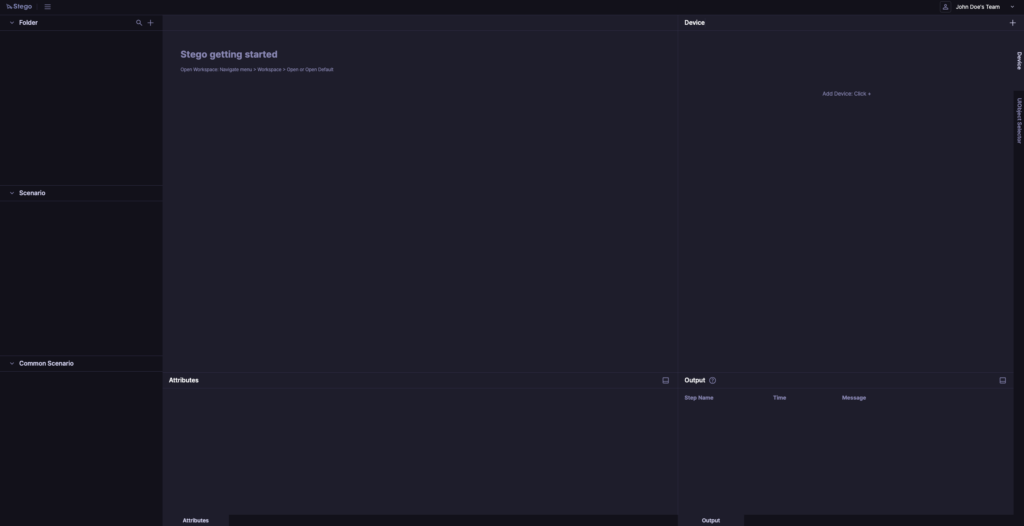
Stego Web’s layout is largely the same as Stego Desktop, except for a few items in the top toolbar (e.g., Settings and Team selection).
Settings #
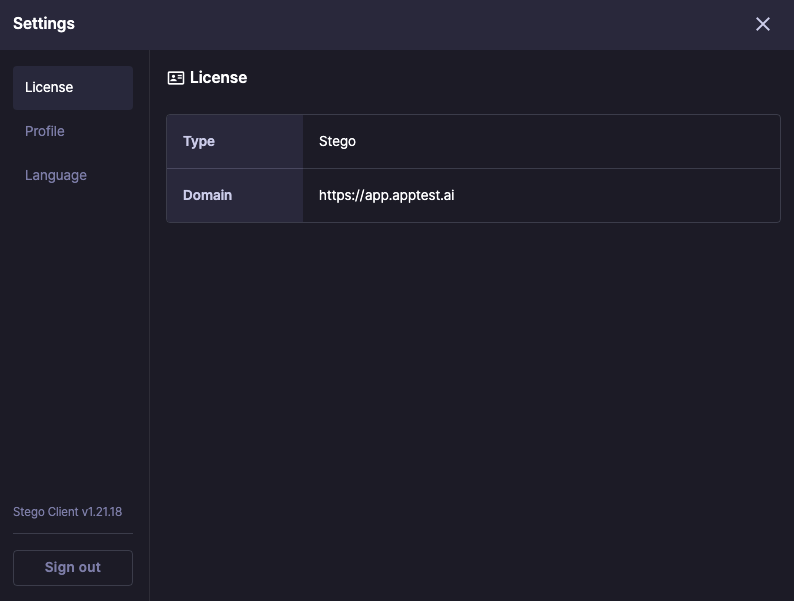
Click the profile icon in the top-right to manage your Stego user info and preferences.
- License: View your current license information.
- Profile: Review your account details and personal settings. (Same as Ptero > Edit Profile.)
- Language: Change the UI language (Korean / English).
Team Selection #
Click the team name in the top-right corner of the screen to see which team is currently selected and switch to a different team if needed.
Panels #
The panels below work the same way as in Stego Desktop:
- Folder, Scenario, Common Scenario panels
- Scenario Editor, Attributes panels
- Device, Output panels
For details on each panel, see Stego Desktop Guide > 2.0. Stego Panel Layout.