
To open Scenario Settings, click the gear icon at the top of the Scenario Editor panel. The available options in Stego Web are the same as in Stego Desktop.
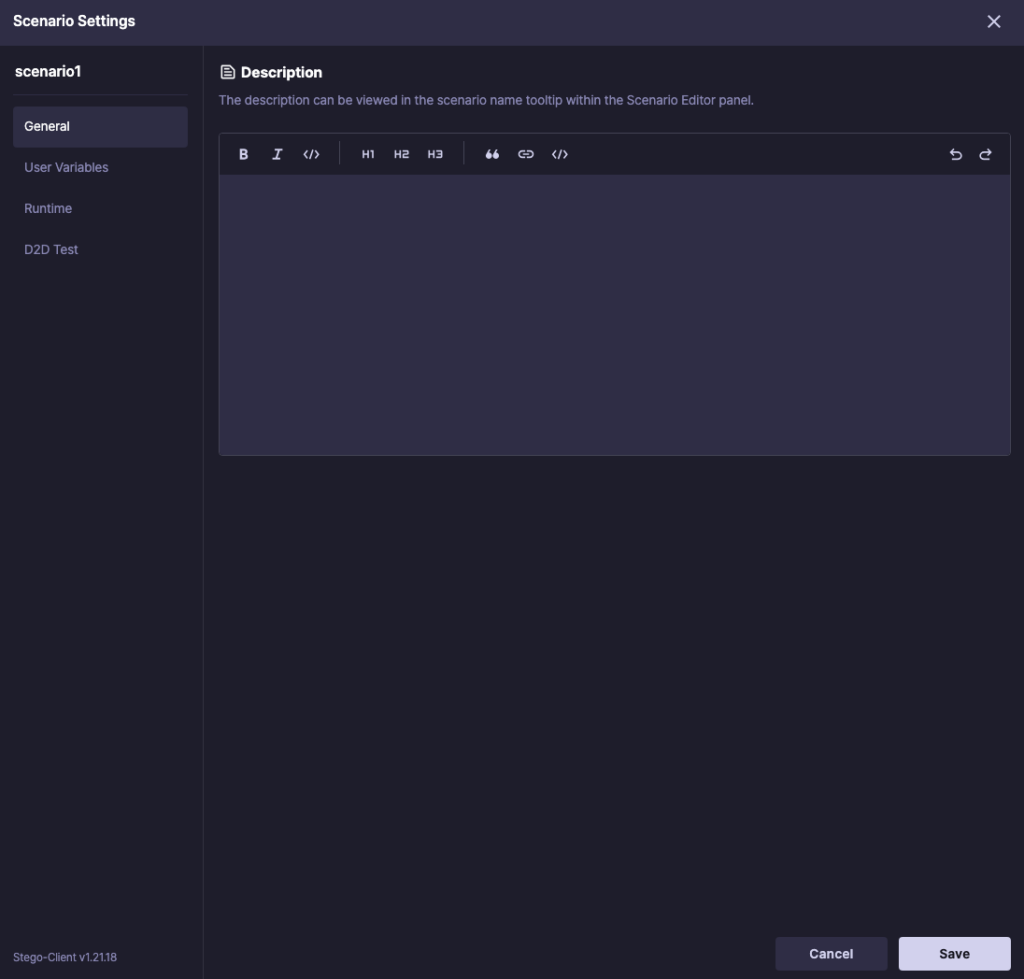
- General: Add a description for the scenario.
- User Variables: Define reusable values for the scenario and reference them across steps.
- Runtime: Configure execution options that affect flow and stability.
- D2D Test: Set device roles for D2D testing.
For details on each option, see Stego Desktop Guide > 6.2. Scenario Settings.