
Web Search and Landing Page UI Validation #

This example walks through a Desktop Scenario that searches for a specific website on Google and verifies that key UI elements on the landing page appear correctly, such as the logo and Run button.
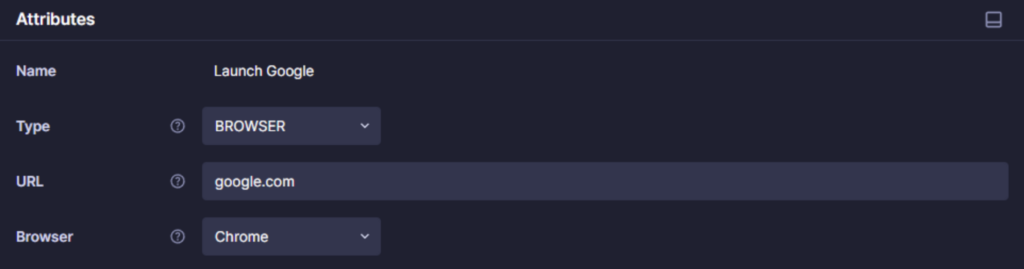
Step 1. Open Chrome and navigate to https://www.google.com.
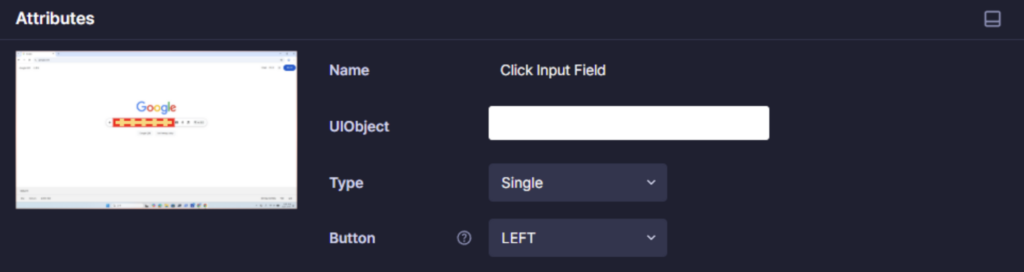
Step 2. Click the search input field.
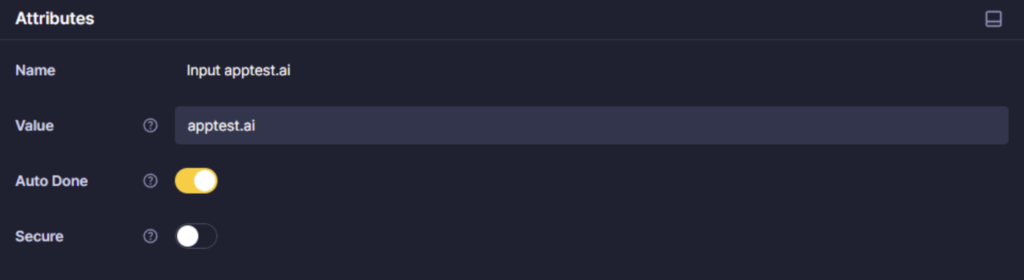
Step 3. Enter apptest.ai.
If Auto Done is enabled, Stego automatically performs the completion action (pressing Enter) after text input.

Step 4. From the search results, click “Apptest.ai: AI-Powered Testing That Works.”
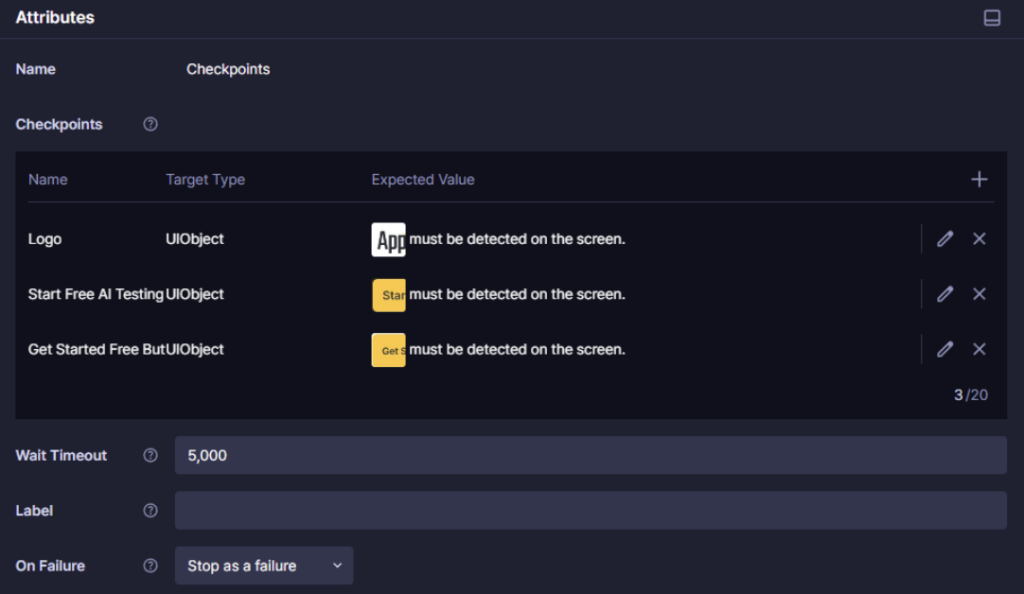
Step 5. Verify that the logo and Run button on the landing page display correctly.