
System Requirements #
For a stable experience, we recommend the following environment:
- Web browsers: Google Chrome, Microsoft Edge (latest versions)
- Screen resolution: 1920 × 1080 or higher
- Display scaling: Set both your system and browser scaling to 100%
※ The Local Desktop connection feature is supported on Windows 10 or later only.
Log In #
Go to stego.apptest.ai and log in with your Ptero account.
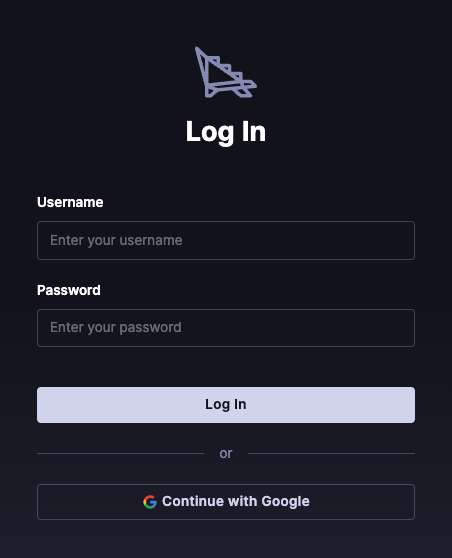
If you don’t have a Ptero account, create one first on the Ptero website.