
v1.25.0 (Apr 30, 2026) #
New Features #
Added Team Search #
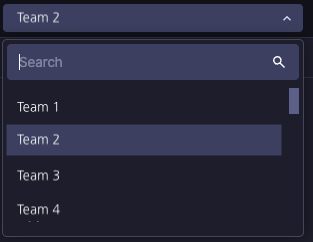
A search field has been added to the dropdown option menu.
You can now quickly find the desired entering a search term, even when the list contains a large number of team entries.
Undo / Redo in UIObject Field #
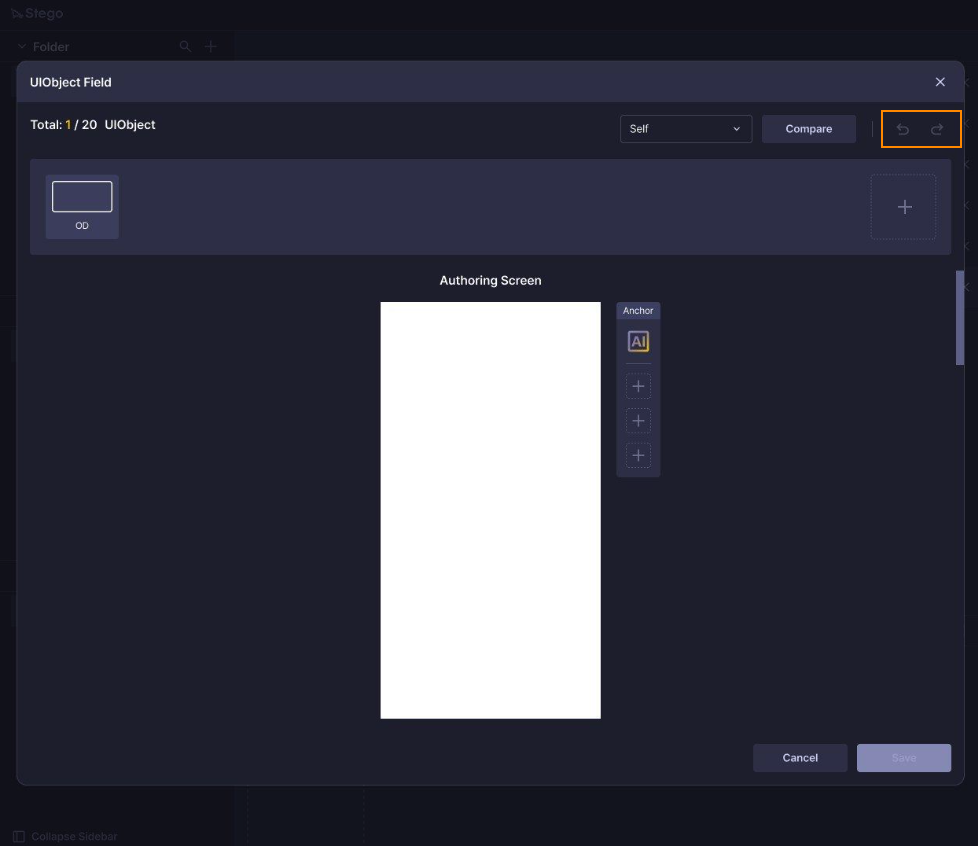
You can now undo or redo changes while editing UIObject Fields.
Each change is recorded as an individual history entry — use Ctrl + Z to undo and Ctrl + Shift + Z to redo.
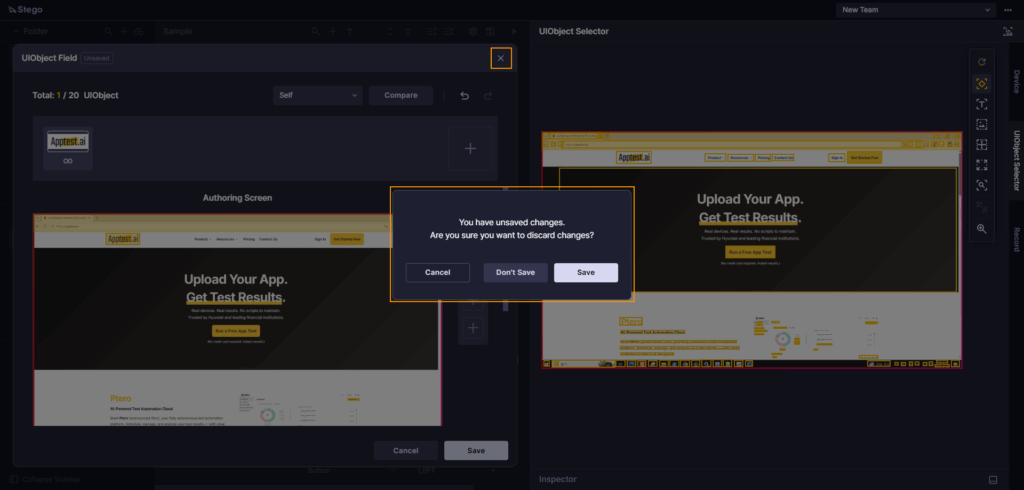
A confirmation dialog appears when unsaved changes are present and you click X, Cancel, or press Esc, letting you choose to continue editing or close without saving.
Color Theme #
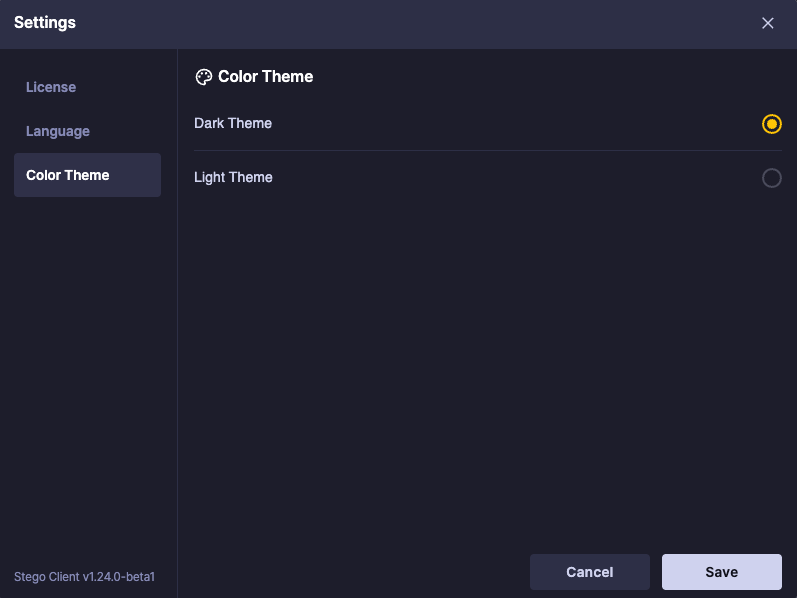
You can now switch between dark and light themes. Theme settings are available in Settings.
Improvements #
Output Panel Step Search #
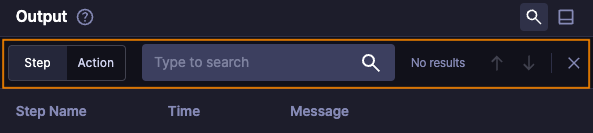
Added step search to the Output panel.
You can now search for steps, enabling quick verification of test results, especially when scenarios have many steps and long execution times.
Action Search in Scenario #

You can now search actions and steps separately within a scenario.
Settings Menu Moved #
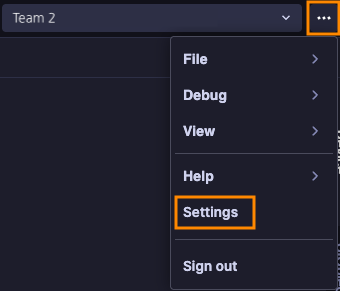
The Settings menu has been moved to More menu.