
Creating folders and adding scenarios works the same way as in Stego Desktop.
Use the + button in either the Folder panel or the Scenario panel to create new items.
For more details, see Stego Desktop Guide > 6.1. Setting Up Scenarios.
Choose a Scenario Type #
Select the scenario type based on what you want to test.
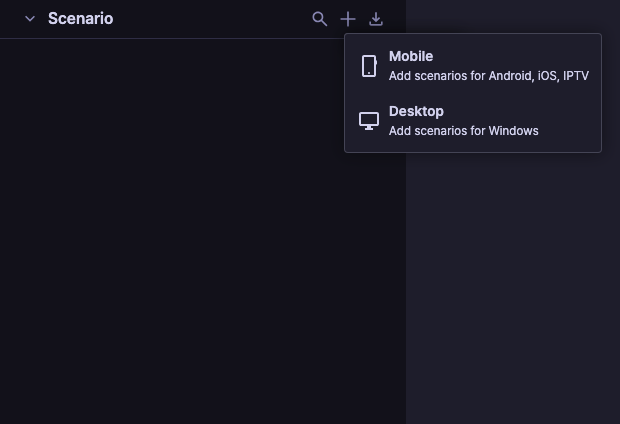
- Mobile (Coming Soon): Use this to test apps and mobile web running on Android or iOS.
- Desktop: Use this to test websites and applications running on a Windows PC.