One Apptest.ai account works for both Ptero and Stego.
Ptero is our test automation cloud.
Stego is our test authoring tool for mobile and PC apps — available in your browser or as a desktop app.
Get started at app.apptest.ai.
Sign up #
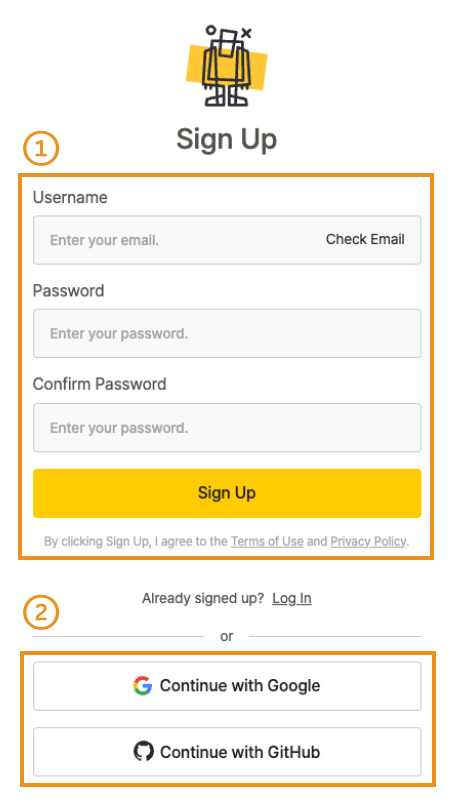
Sign up with your email or a social account.
Sign up with email #
- Click Sign Up to open the signup form.
- Enter your email address and click Check Email.
- Enter your password, confirm it, and click Sign Up.
- Open the verification email and click Verify your email to activate your account.
Note
If you don’t see the verification email in your inbox, check your spam folder.
Sign up with Google or GitHub #
- Click Continue with Google and select your Google account.
- Click Continue with GitHub and select your GitHub account.
Note
The same social account works for both Ptero and Stego.
Log in #
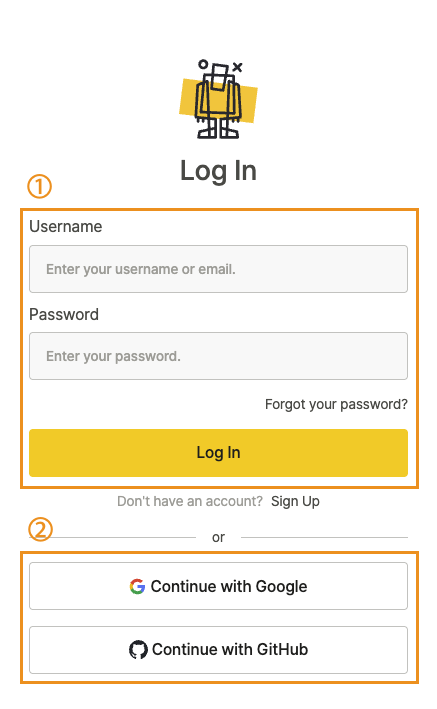
Sign in with your email or with the social account you signed up with.
Log in with email #
- Enter your email address.
- Enter your password.
- Click Log In.
Log in with Google or GitHub #
Use the social account you signed up with.

- Click Continue with Google and select your Google account.
- Click Continue with GitHub and select your GitHub account.
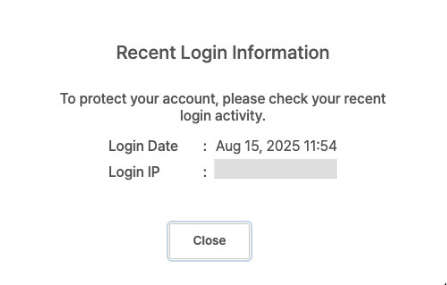
Recent Login Information #
After you log in, you’ll see your last sign-in time and IP address. Use this to catch any unauthorized access.